Save the AFK moment
Let your team keep chat entertained while you are away from the desk.
Collaborative OBS control for stream teams
Give trusted mods and producers a shared browser canvas connected to one OBS Browser Source. Stage GIFs, clips, images, text, and audio—then move them on-screen in real time. OBS receives only a view of the output; control stays inside the authenticated studio.
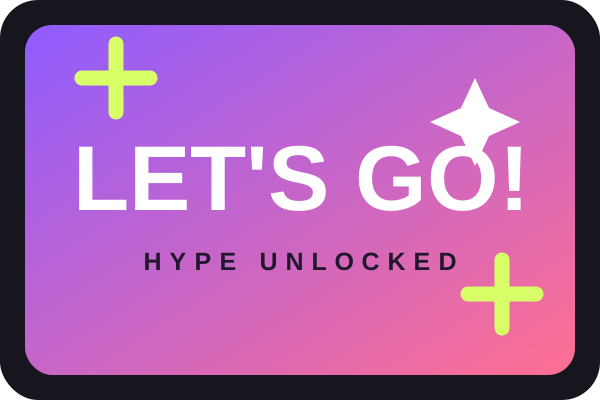 hype-card.svg
Keep your alerts, emotes, and existing stream setup. Backstage Canvas adds a live control surface for your team.
Built for the moments between alerts
Let your team keep chat entertained while you are away from the desk.
Drop a reaction GIF, clip, sound, or line of text exactly when the moment hits.
Give a trusted producer live control without giving them access to your computer.
Show a BRB card, mute output, freeze the frame, or clear everything immediately.
Set up in a few minutes
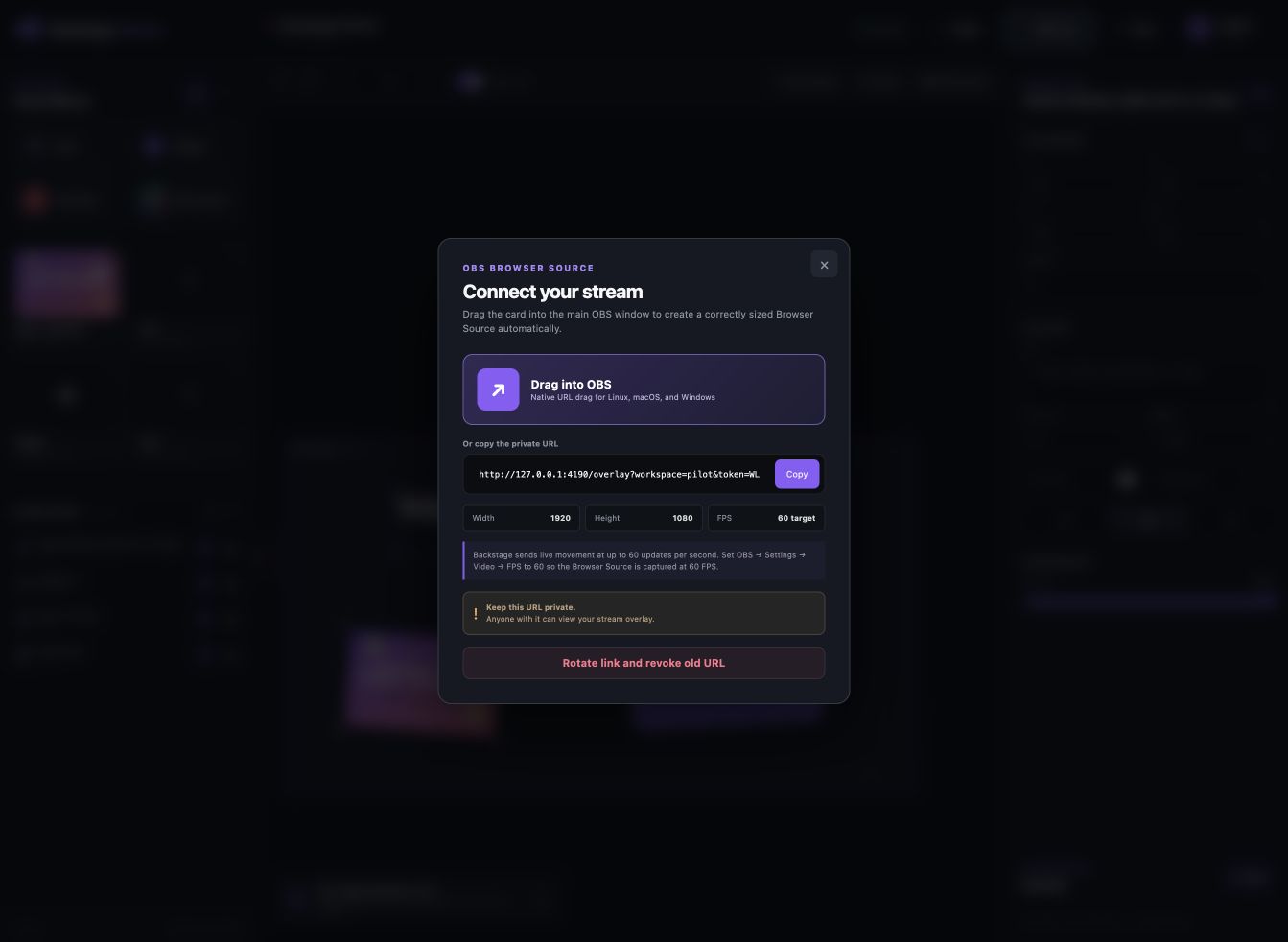
Drag one view-only OBS Link into OBS. It displays the output but cannot upload assets, move layers, or enter the studio.
Whitelist trusted Twitch identities and assign clear Moderator or Contributor roles.
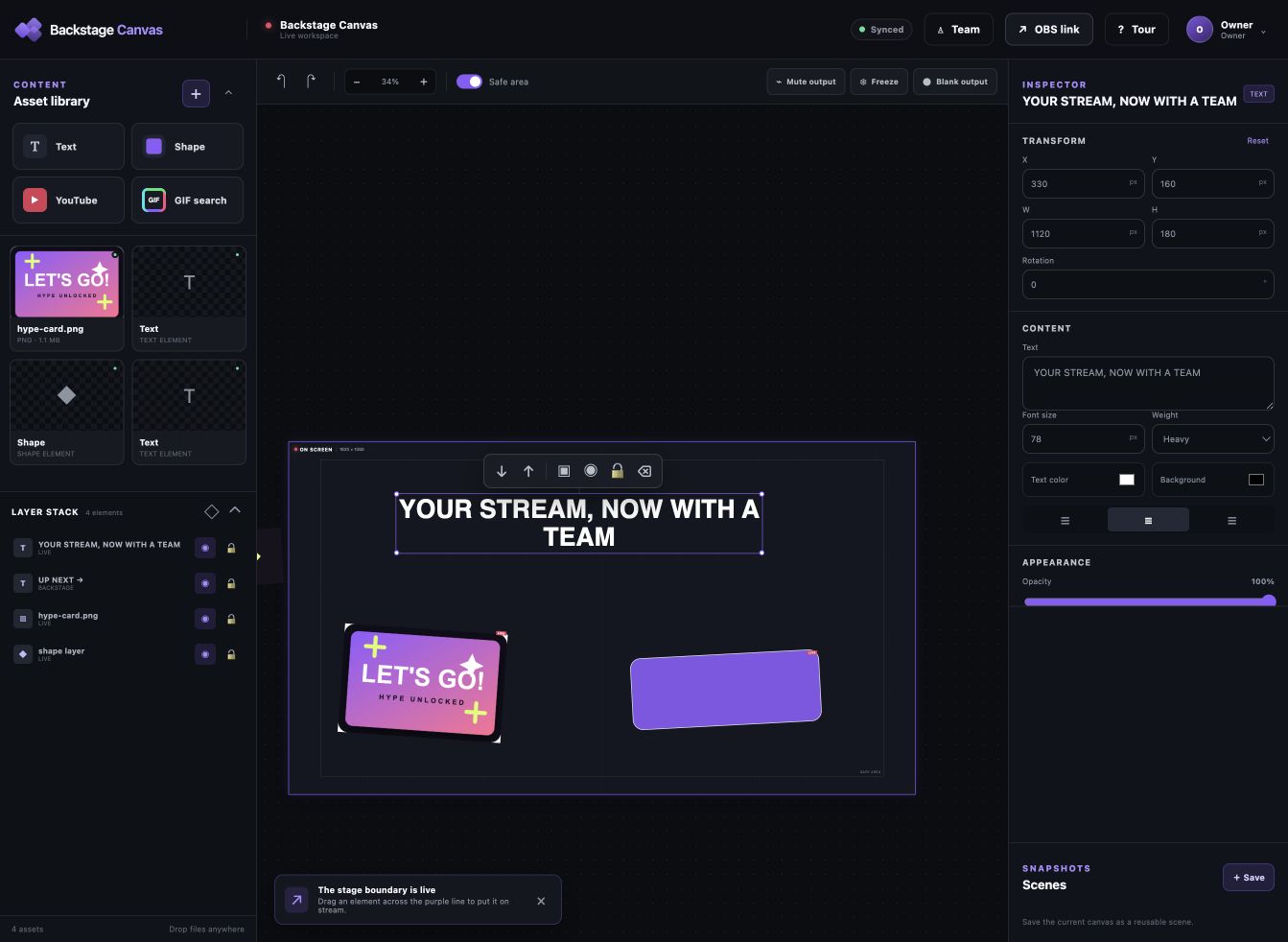
Prepare everything backstage, then drag it into the ON SCREEN frame when the timing is right.
No remote desktop access. No OBS plugin. Your team only sees the canvas you invite them to.
Inside the studio
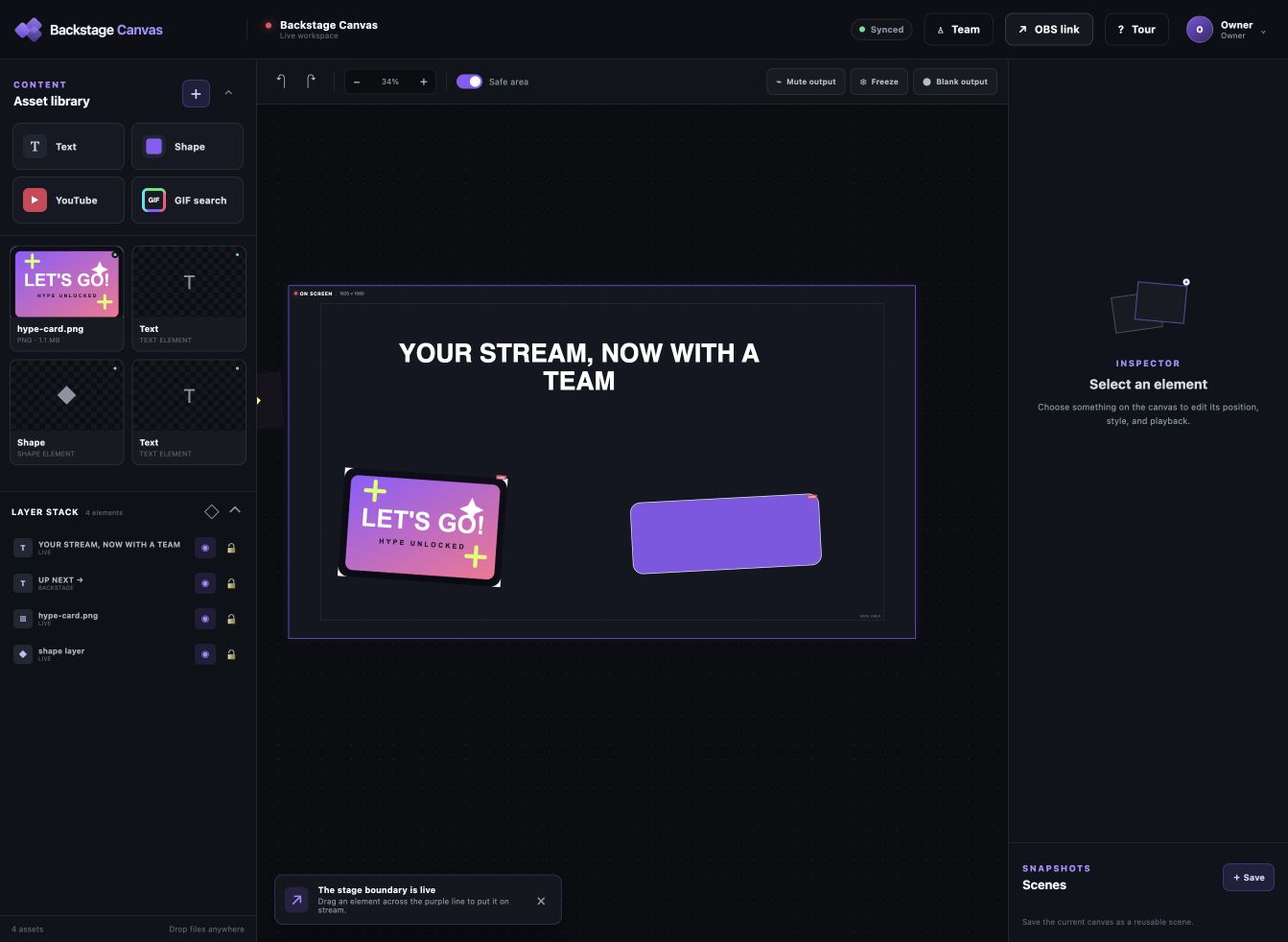
Assets, live stage, and layer stack stay visible together.
Your stream stays under your control
Backstage Canvas limits each person to the workspace and permissions you choose. OBS links can be revoked, sessions can be removed, and emergency controls remain close.
Only the Streamer decides who can enter the canvas and whether each teammate is a Moderator or Contributor.
Assets stay in private object storage and flow through authenticated application routes.
The Browser Source URL can only display the output. It cannot add assets or control the canvas, and its token can be rotated at any time.
Freeze, blank, mute, restore, and save scenes when every second matters.
Founding Streamer
Pilot access is currently free in exchange for feedback. Founding pricing begins when Backstage Canvas leaves pilot.
Per Streamer canvas—not per teammate.
The honest questions
No. Keep your existing alerts, emotes, scenes, and bots. Backstage Canvas adds a team-operated live media layer alongside them.
No. OBS receives a view-only Browser Source. Invited teammates control only the authenticated Backstage Canvas workspace and only the actions allowed by their role.
Backstage Canvas requests basic Twitch identity so it can match the permanent account ID you whitelisted. It does not request chat, moderation, or channel-management scopes.
Uploaded assets are stored privately and served through authenticated application routes. They are not placed in a public media gallery.
The OBS link is only a view-only output viewport. It cannot upload assets, move layers, or enter your canvas. The Streamer can still rotate the Browser Source token to immediately revoke the previous URL.
Yes. The Browser Source URL can be copied on any platform, and the native drag handoff is designed to work across current desktop browsers and OBS installations.
Invite-only pilot program
Backstage Canvas is currently being tested with a small group of Twitch streamers. Pilot access is free in exchange for honest feedback.
PRIVATE OPERATIONS
Sign in with your Backstage Canvas owner account. This page is intentionally unlinked, but access is protected by your account—not by the URL.
PILOT OPERATIONS
Create temporary accounts, assign a role, or permanently remove access.
No accounts found.